


CamAlign
Wireless collimation camera. The interface shows on your tablet, no app, no cable.
It goes in the focuser in place of the eyepiece and streams its image over Wi-Fi, with collimation circles overlaid in real time. Battery-powered, no computer, no account, no internet. Plans, firmware and bill of materials published.
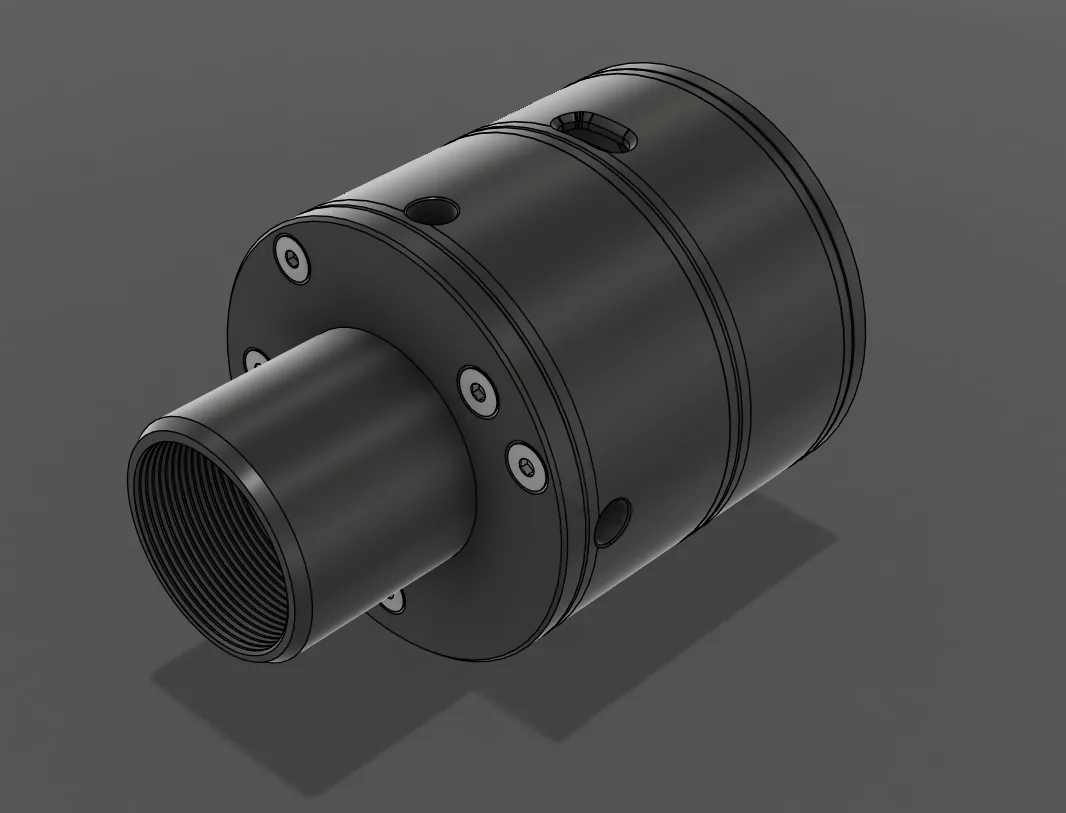
01 · Standalone
No cable, no computer.
At start-up, CamAlign creates its own Wi-Fi network. Connect to it with a tablet or phone and the interface opens in the browser.
- App
- Computer
- Account
- Internet connection
- Connect to CamAlignAccess-point mode is the default on first start-up.
CamAlign-XXXX - Open your browserSafari, Chrome or Firefox, on iOS and Android alike. Nothing to install.
- Or use your own networkUp to 10 saved Wi-Fi networks, to use it from a network you already have.
Battery · 2 h runtime · USB-C charging and updates
02 · Interface
A web interface in the firmware.
The ESP32 itself serves the web page. It works with no internet connection at all.
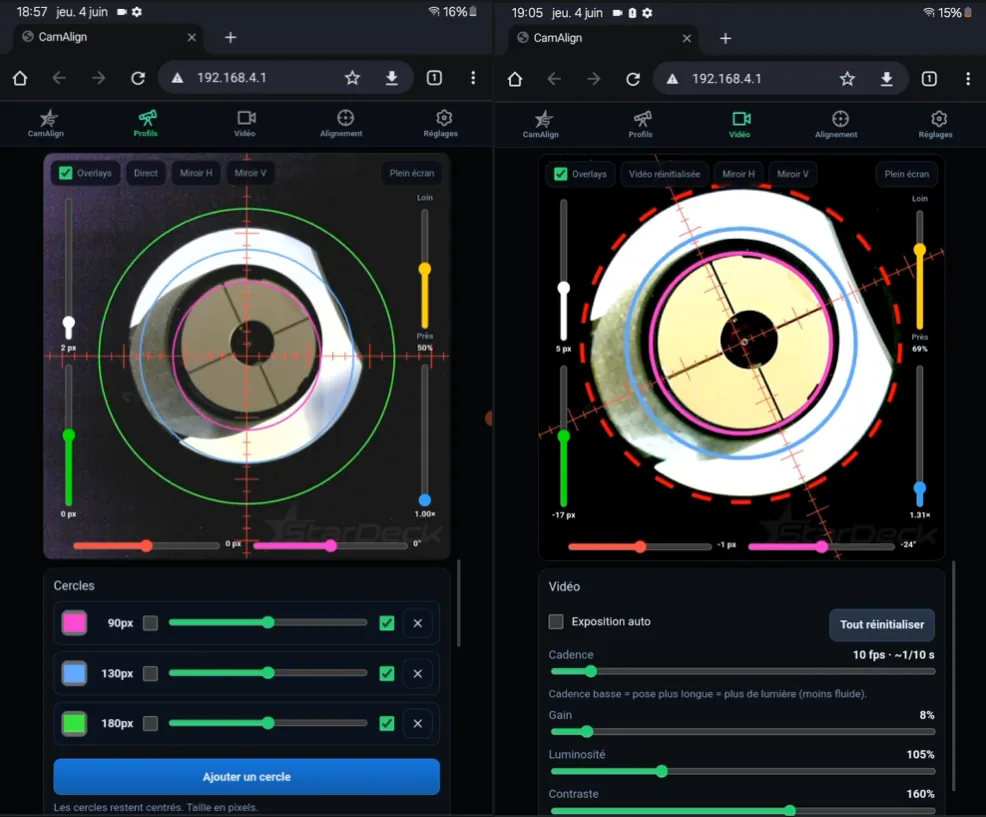
01
Overlaid circles
Each circle is independent, coloured by its optical role, and moved and resized with a finger.
02
Focus aid
A real-time sharpness reading on a zone of your choice, as a number and a gauge. Based on the variance of the Laplacian.
03
Centring indicator
The distance in pixels between the image centre and the centre of each circle.
04
Image settings
Exposure, gain, white balance, resolution.
05
Capture
The current image with its circles, as PNG, downloaded directly or saved to microSD.
06
Square image
Cropped to 800 × 800 pixels.
Profiles per optical design
Not just for Newtonians.
Many commercial video collimation systems are designed for Newtonians first. Here each design has its profile: sizes, positions, colours and centre offset. Profiles export as JSON to share with others.
03 · Open Hardware
Everything is published.
Everything needed to build, repair or modify CamAlign is published under the MIT licence, free to download from the Documentation section. No account required.
The interface code is published: you can add your own circle profiles and share them. And if you buy it ready-made, you can still fix it yourself.
Open files
MIT
- FirmwareThe ESP32 code
Source - Web interfaceThe code of the page served by the camera
Source - Body and nosepiecesBody, 1.25" and 2" nosepieces, ready to print
STL - WiringThe diagram between the modules
Diagram - Bill of materialsComponents with part numbers
BOM
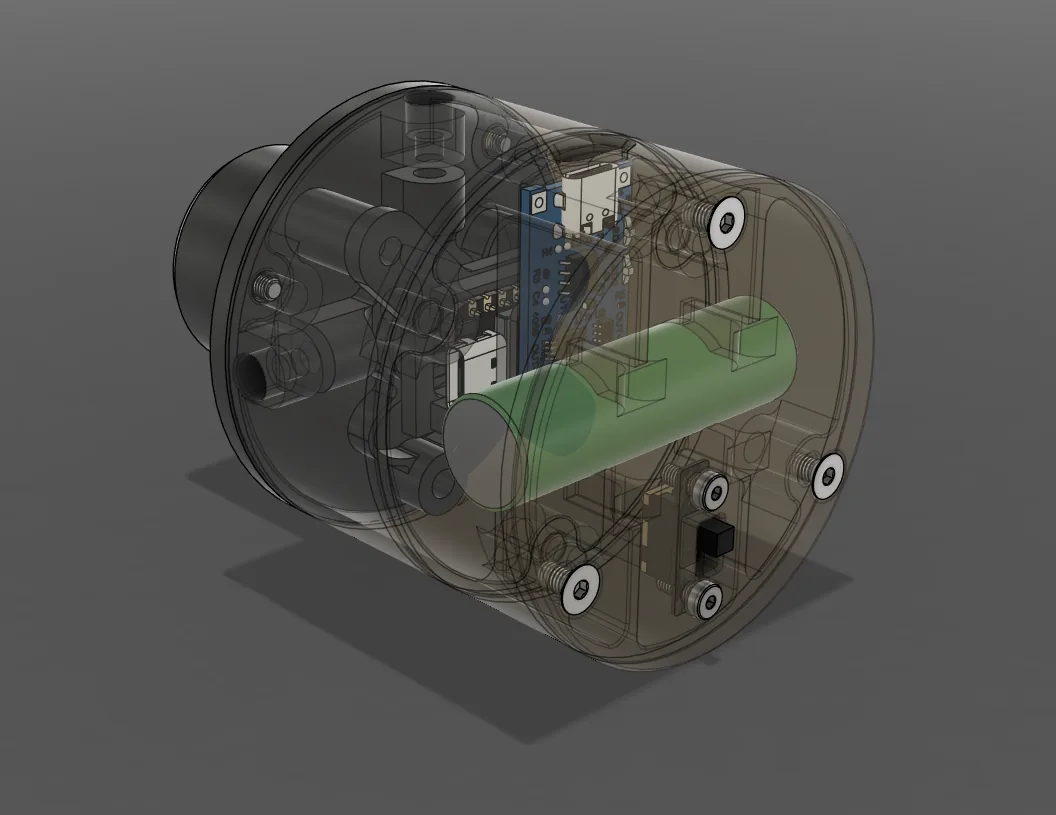
What we sell.
Not everyone has a 3D printer or wants to do the wiring. So CamAlign comes at several levels.
- Assembled, tested moduleThe complete collimation camera, ready to use.
- Electronics kitESP32-CAM, battery management and battery, to build the body yourself.
- PETG-CF printed partsBody and 1.25" and 2" nosepieces, for those who don’t print carbon.
- Spare partsBattery, nosepieces, to repair or upgrade CamAlign.
Buying the assembled module closes no doors: it stays open and modifiable.
04 · Components
Modules you can find anywhere.
If a part breaks or wears out, it can be replaced. If it’s no longer made, an equivalent part will do.
05 · Field
Works with gloves on
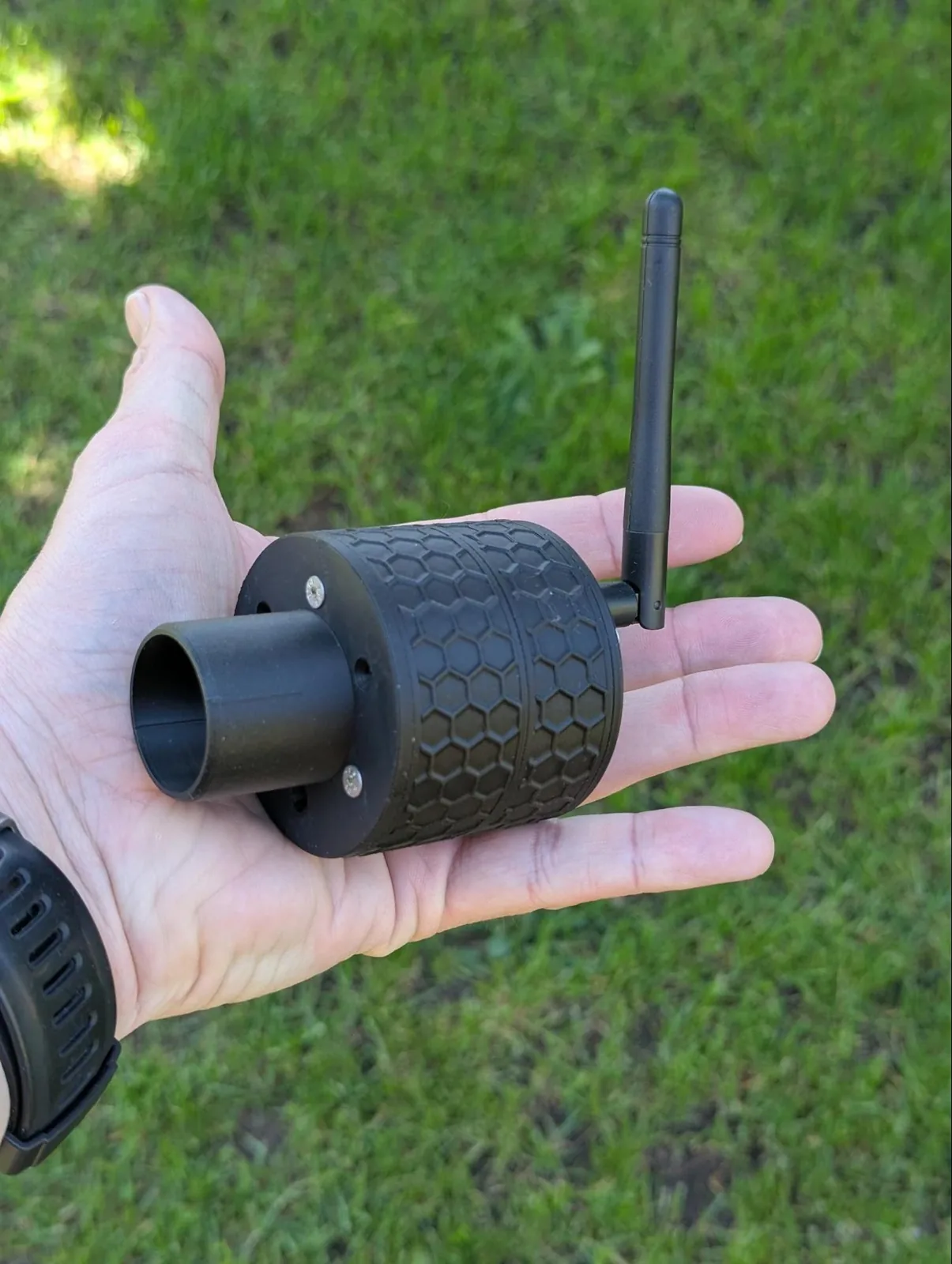
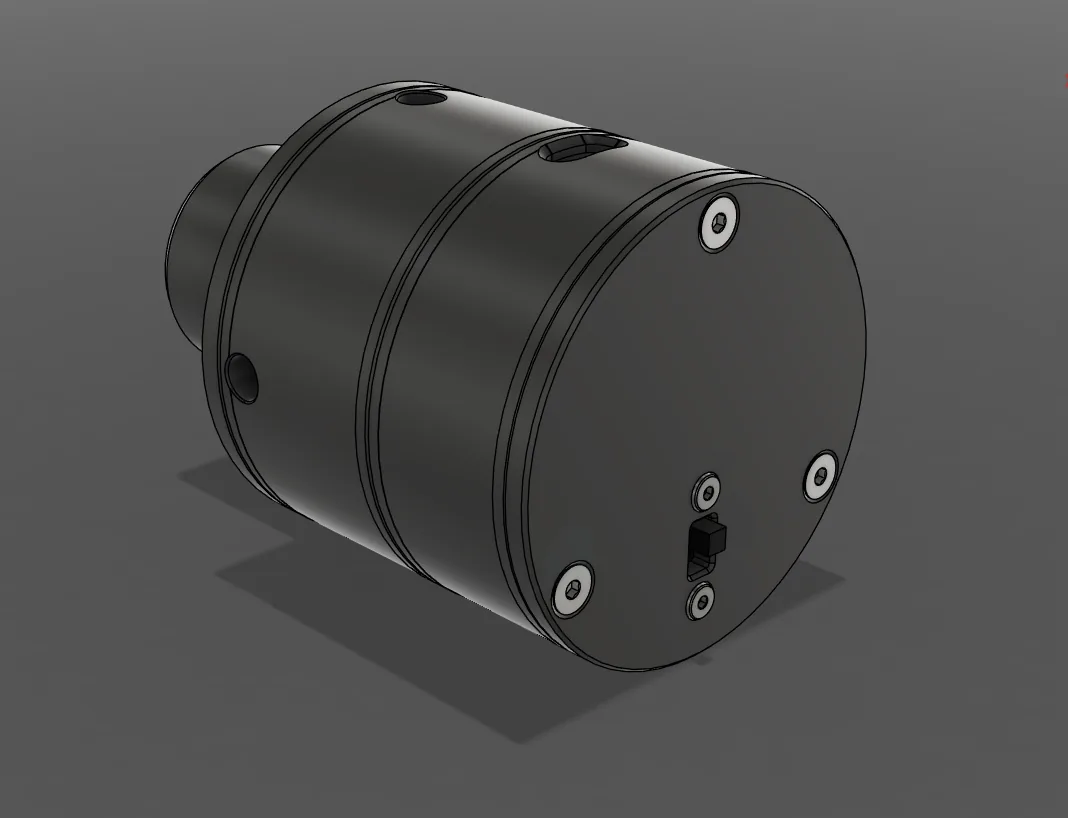
- Body
- About 70 × 50 × 30 mm
- Nosepiece
- 1.25" or 2", interchangeable. The camera sits at its tip.
- Button
- 12 mm, usable with gloves on
- Centring
- Mechanical sensor adjustment, refined by a digital offset in the interface
In the StarDeck Labs ecosystem
CamAlign works on its own. With the StarHub, the stream will also show on its screen. No module is required.
StarHub · in development
Data sheet
Specifications
- Module
- ESP32-CAM AI-Thinker, OV2640 2 MP sensor
- Image
- Square crop, 800 × 800 pixels
- Interface
- Built-in web, Wi-Fi, access point CamAlign-XXXX, 10 saved networks
- Browsers
- Safari, Chrome, Firefox, iOS and Android
- Power
- Battery, USB-C charging and flashing
- Runtime
- Two hours
- Nosepiece
- 1.25" or 2", interchangeable
- Body
- PETG-CF, about 70 × 50 × 30 mm
- Licence
- MIT: firmware, interface and STL files
FAQ
Frequently asked questions
Do I need a computer or an app?
No. A tablet or phone with a browser is enough. No internet connection is needed.
Which instruments?
Newtonian, Schmidt-Cassegrain, Ritchey-Chrétien, classical Cassegrain, Dall-Kirkham and Maksutov-Cassegrain have ready-made profiles. A free profile lets you create others.
Why is it cheaper than commercial systems?
Because it is built on standard modules, we print the case ourselves and sell direct, with no reseller and no ads.
What if StarDeck Labs disappears?
If StarDeck Labs ever stops, the files are still yours: under the MIT licence, they’re all you need to reprint the case and reflash the firmware.
Availability · in development
Hear about the next steps.
CamAlign is in development. Join the waiting list to be kept informed.
A few emails at key milestones. No newsletter.