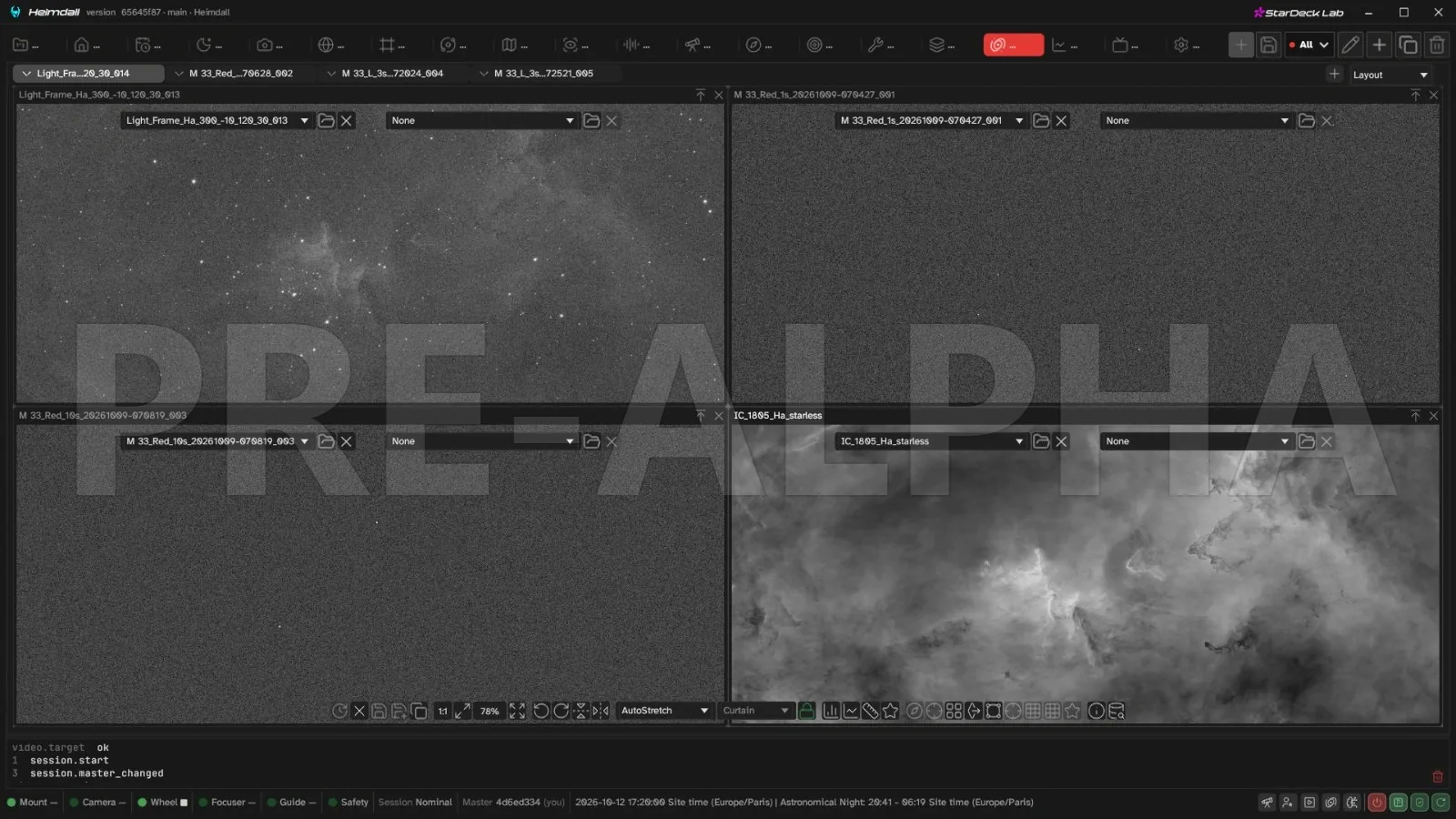
Four images side by side1 / 9

Four images side by side

Workshop · 16 / 17

Vör

the FITS viewer, inside Heimdall

Your FITS images, stretched for the eye and measured for the imager: the same viewer everywhere in Heimdall, from the live night to the next day's sorting.

Vör is Heimdall's FITS viewer. It shows your frames, compares them, inspects them and measures them, without ever changing a pixel of the file.

In short

The same viewer everywhere.

Imaging, plate-solving, guiding, calibration, Dashboard: one way of looking at an image.
See without damaging.

All the stretching is display-only: the FITS on disk never changes.

Compare effortlessly.

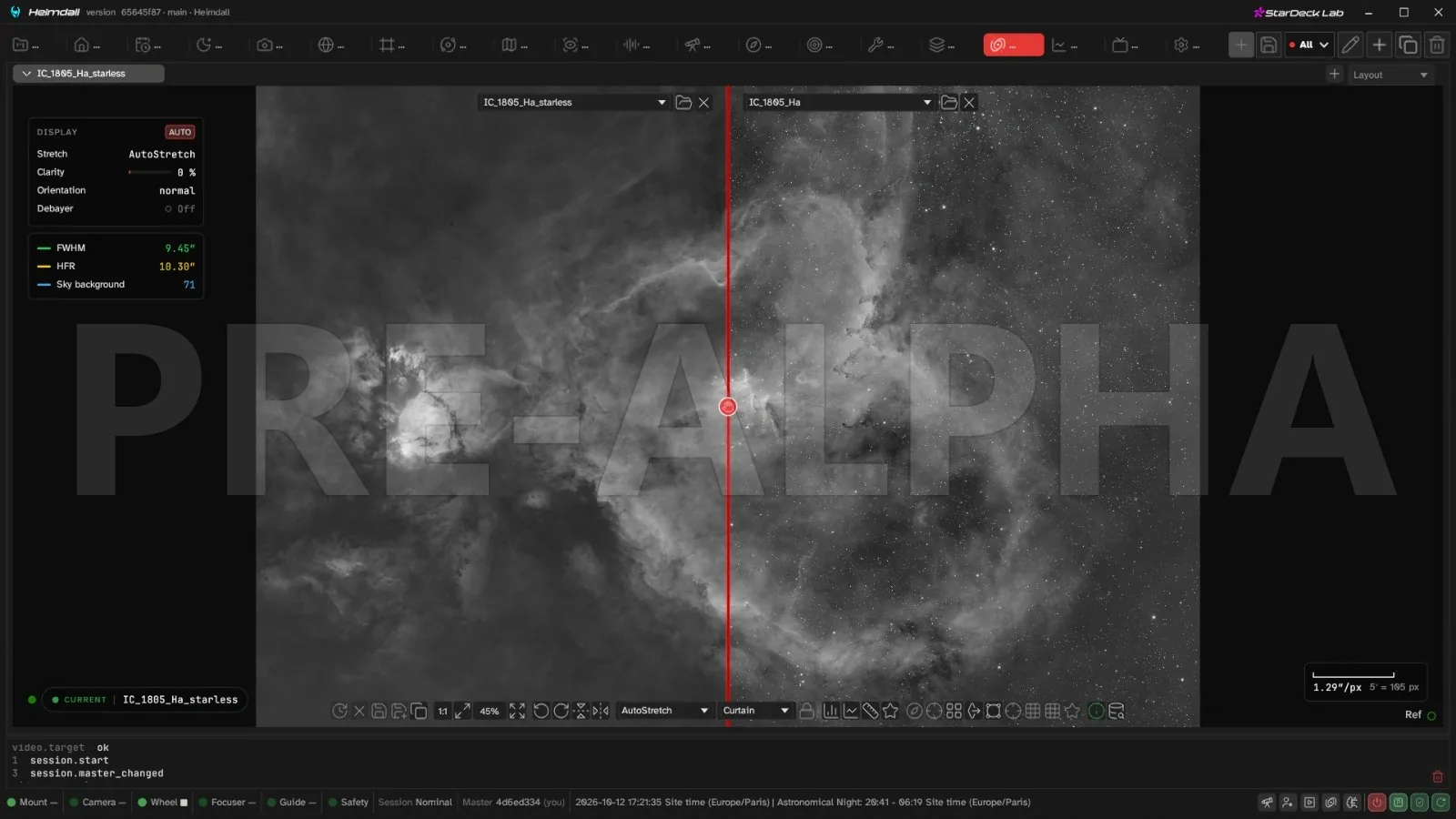
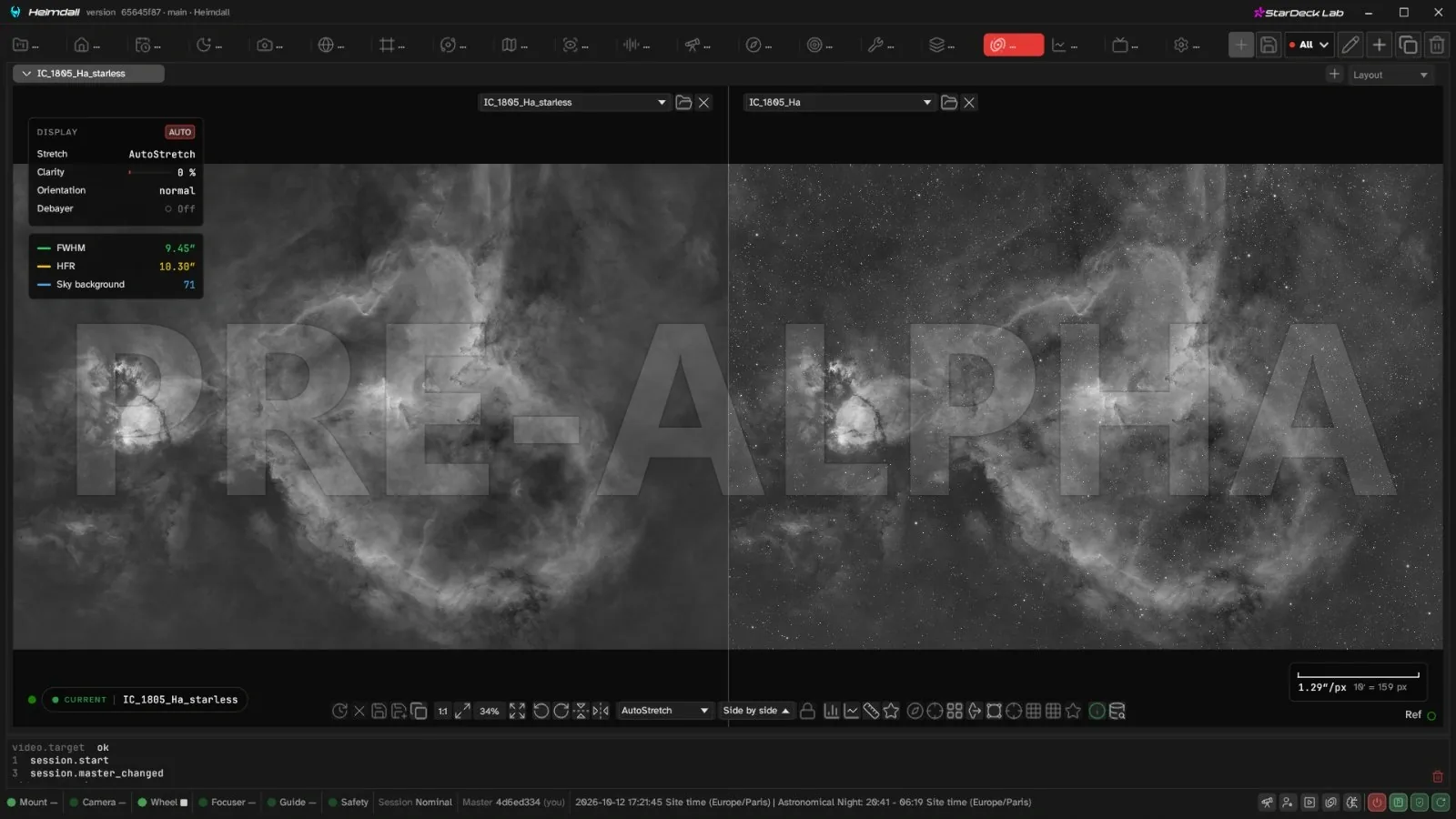
Curtain, blink, side by side, difference: the right image stands out fast.

Measure to decide.

Area statistics, distances, coma, scale: you judge an image with numbers.

Sort a night in minutes.

Thumbnails, metrics, keyboard: next-day sorting doesn't need another program.

What the workshop does

A raw astrophotography image is dark and hard to read: the signal sits at the very bottom of the histogram. Vör stretches it for display only, and gives you an imager's tools: compare two images, read the header, measure, spot coma.

Inside Heimdall, it is the same viewer everywhere: the Vör workshop, but also imaging, plate-solving, guiding, the Calibration Library and the Dashboard. You change neither tool nor settings.

What sets it apart

A general-purpose viewer opens images. Vör is built for astrophotography: astro stretches, Current / Ref, astrometry from your own plate-solve, coma, tilt.

A full processing suite modifies the image. Vör modifies nothing: it looks and measures, before or alongside your processing software.

All features · 22

Open and organize

  • Opens your FITS filesWith the Open button, by drag and drop onto the window, or from the Dashboard.
  • Loads the latest frame by itselfEvery saved exposure opens a new image tab, up to a limit of 16.
  • Keeps two images face to faceA current image (Current) and a reference image (Ref); dropping a FITS on the left half makes it Current, on the right half Ref.
  • Steps through the folderThe left and right arrows open the next or previous FITS, keeping zoom, pan and stretch.
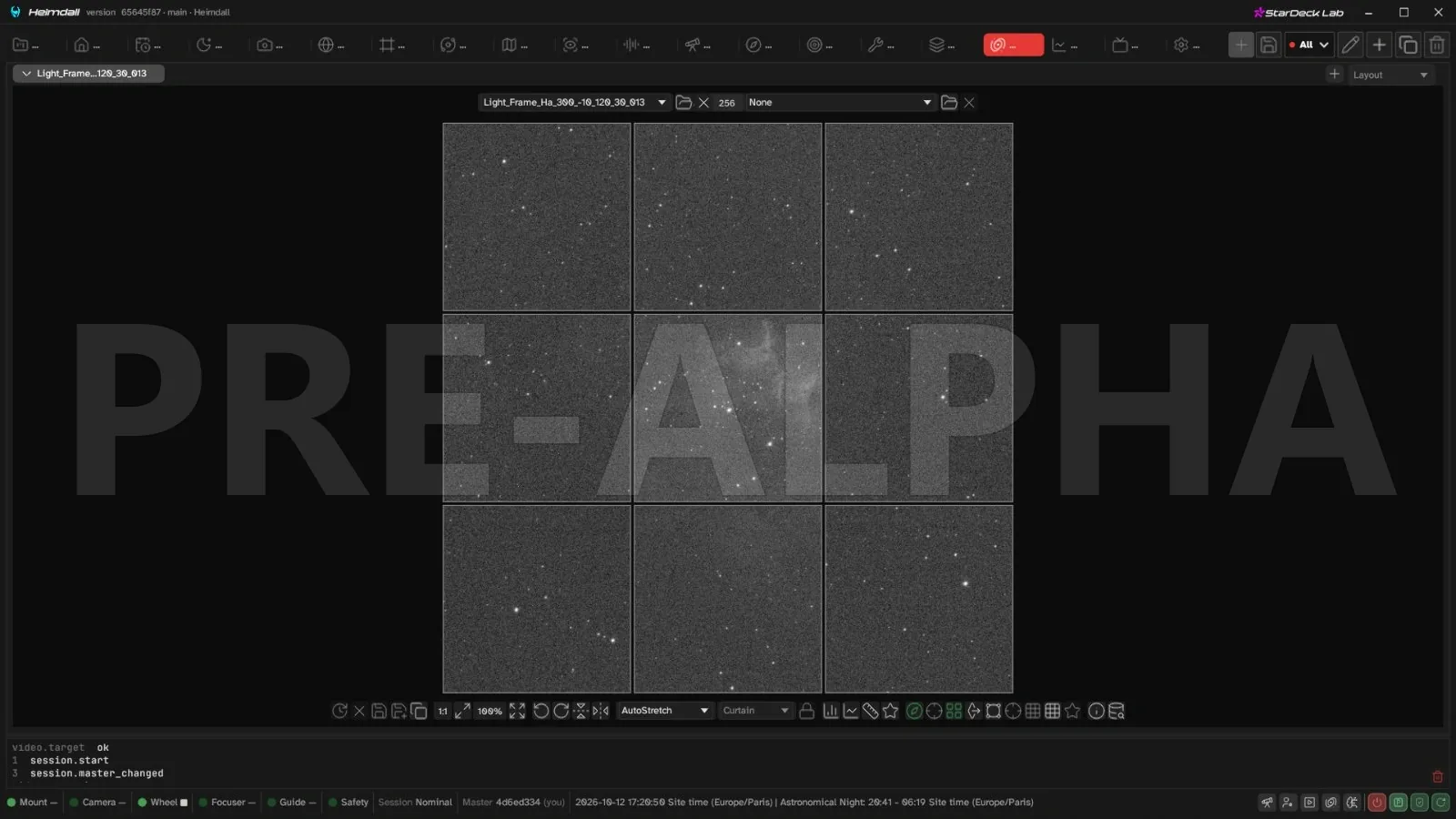
  • Browses a session folderA thumbnail grid opens the folder; the first image shows at once, its neighbors load in the background.
  • Reads the usual FITS formatsMulti-HDU and compressed FITS (FZ / Rice), with raw or automatic display modes.

Display

  • Stretches the image for displayLinear, logarithm, square root, squared, asinh, AutoStretch or histogram; AutoStretch by default. The file's pixels stay unchanged.
  • Adjusts the stretch continuouslyCtrl + wheel tunes the stretch; a HUD shows whether stretch and debayering are active.
  • Zooms and pans in syncWheel centered on the cursor, drag to pan, Fit, 1:1, + and −; zoom follows across both images.
  • Rotates and flipsRotate and Flip.
  • Shows the histogramA histogram of the current image, toggleable.
  • Copies the previewThe stretched image is copied to the clipboard.

Compare

  • Compares Current and RefA curtain separates them; advanced comparison adds side by side, swipe, opacity and difference.
  • Flips between them instantlyBlink toggles between the two images almost instantly, even on large FITS, thanks to an image cache.

Inspect and measure

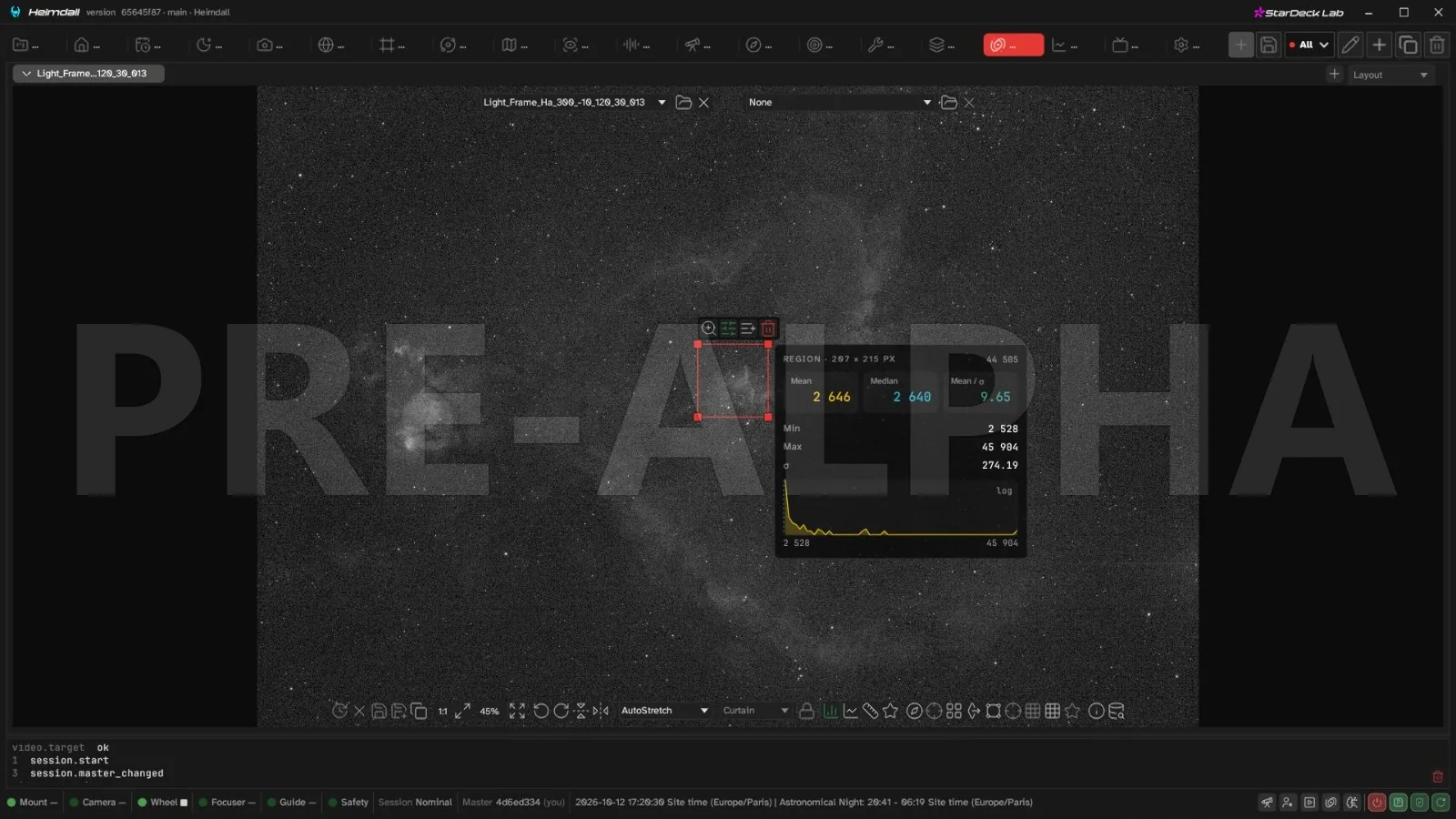
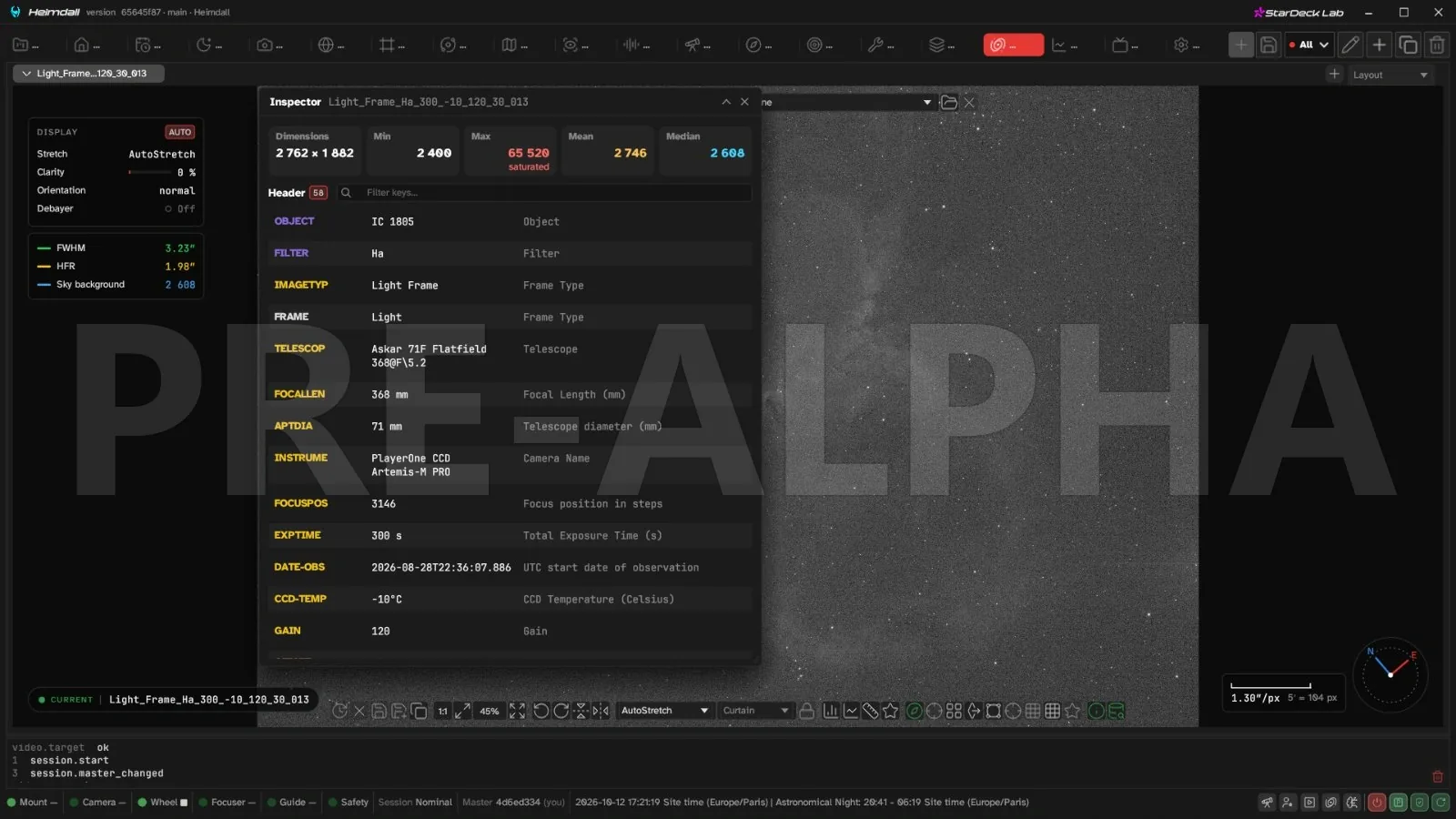
  • Reads the FITS headerAn inspector shows the header and the statistics of the image or of a selected area.
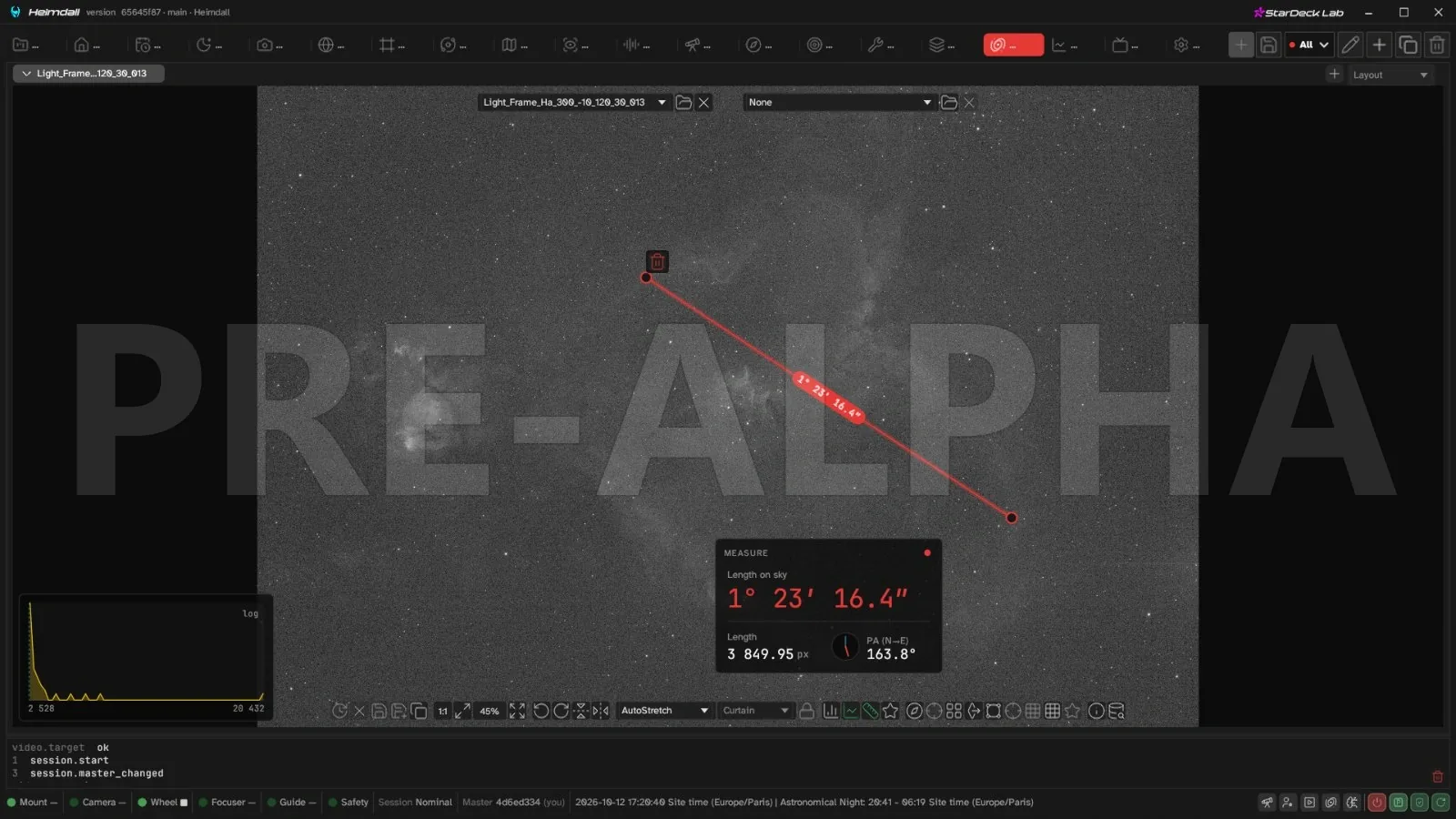
  • Draws an ROI or a distanceYou trace an area or a segment and read its statistics: minimum, maximum, mean, standard deviation.
  • Overlays astrometryNorth and East, with the scale in arcseconds per pixel, from the latest plate-solve.
  • Judges comaThe Coma Inspector shows the center and the edges or corners of the image side by side.
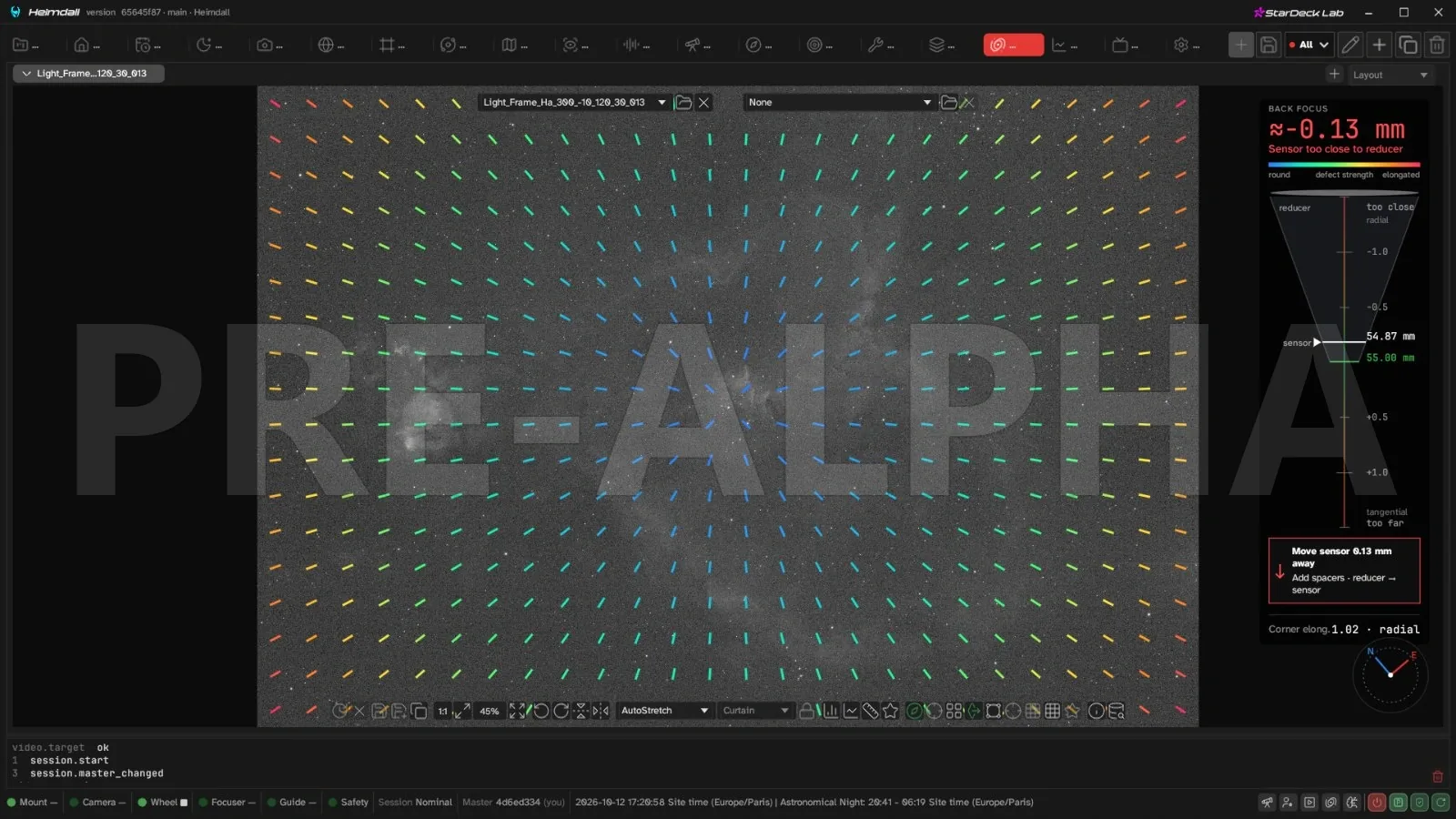
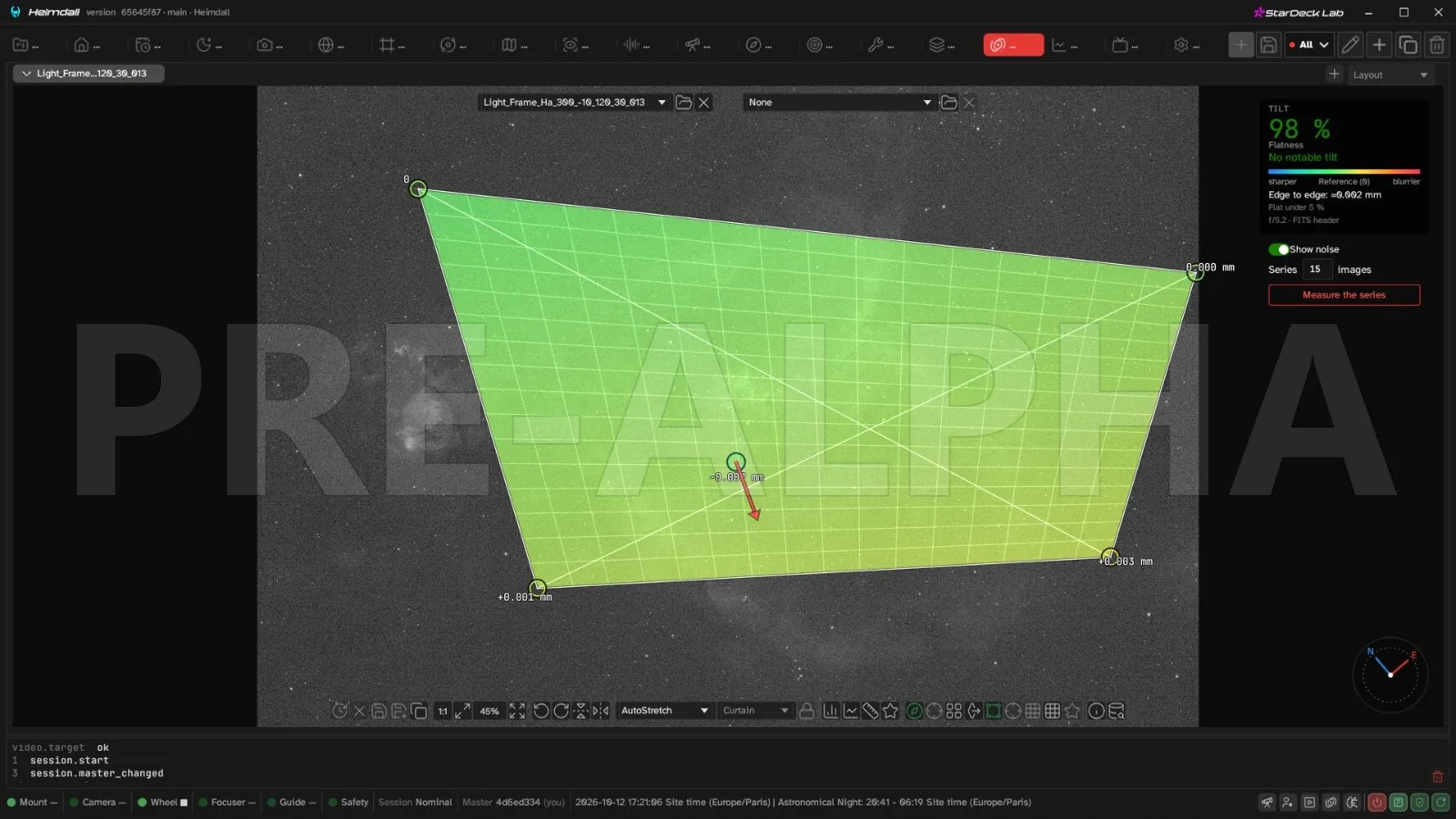
  • Measures tilt and backfocusMeasurement and overlay tools, distinct from collimation.

Sort

  • Computes metrics through a Python scriptFWHM, HFD and others, to sort and filter images.
  • Sorts from the keyboardAccept, reject, delete, favorite, with undo.

Comfort

  • Speaks French and English

All Heimdall workshops